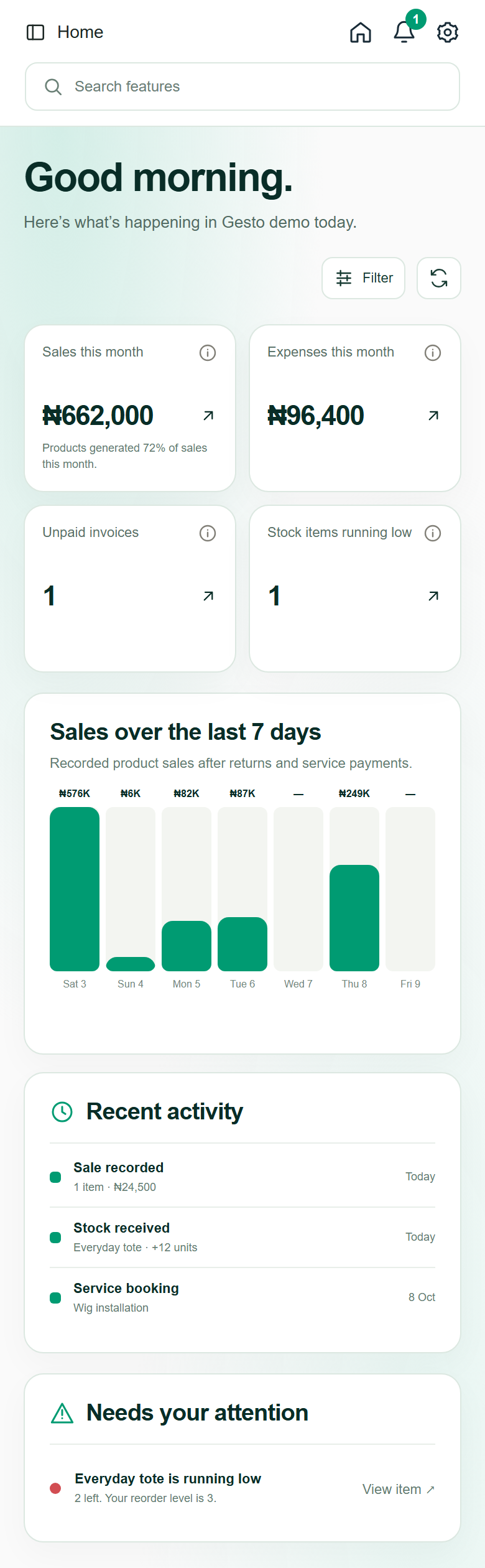
Inventory
See stock and recent activity.
GESTO / THE BUSINESS WORKSPACE
Manage inventory, sales, bookings, memberships, projects and expenses in one place.
Your logo. Your colours. Your way of working.
Built for the way you do business
A WORKSPACE THAT SHOWS THE WHOLE PICTURE
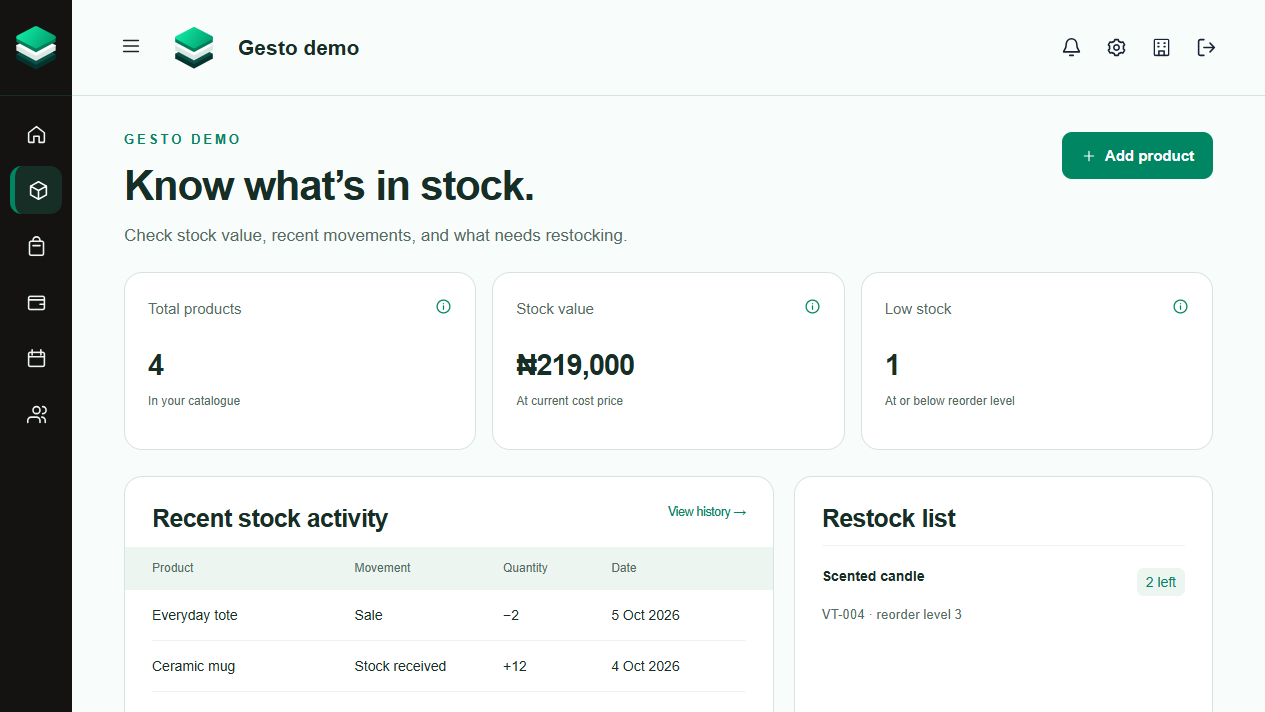
See stock and recent activity.
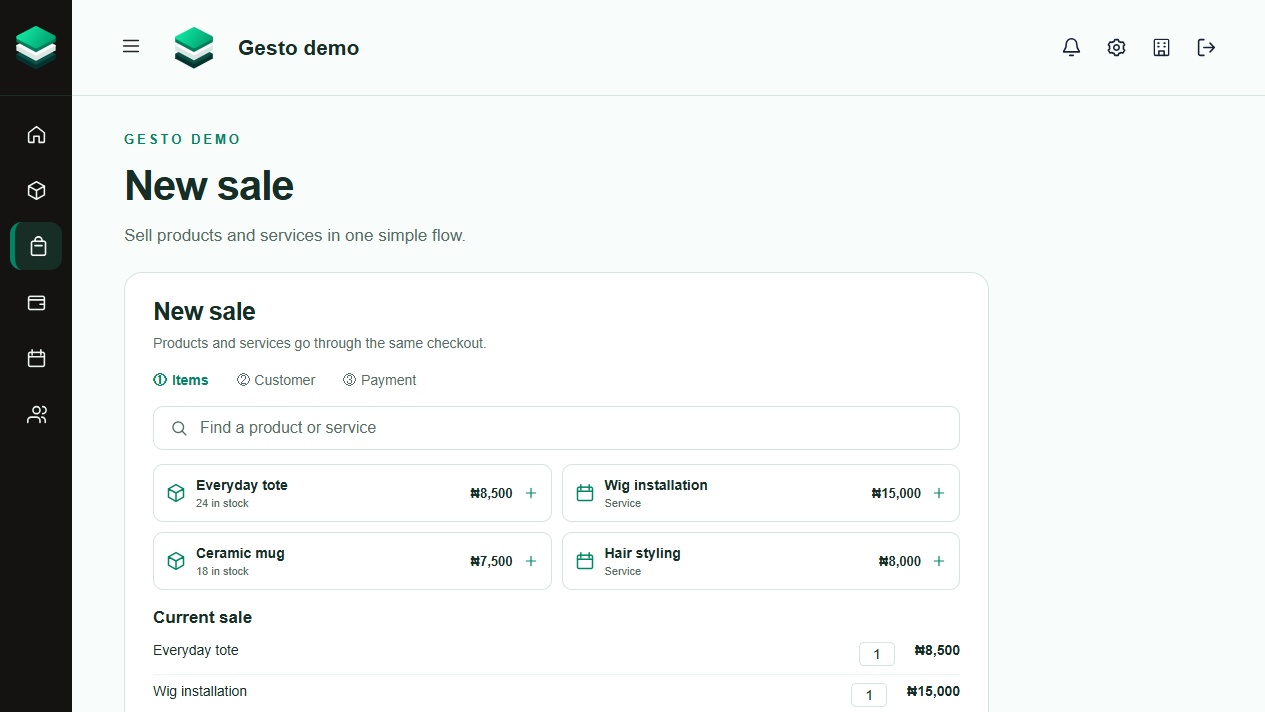
Sell products and services in one checkout.
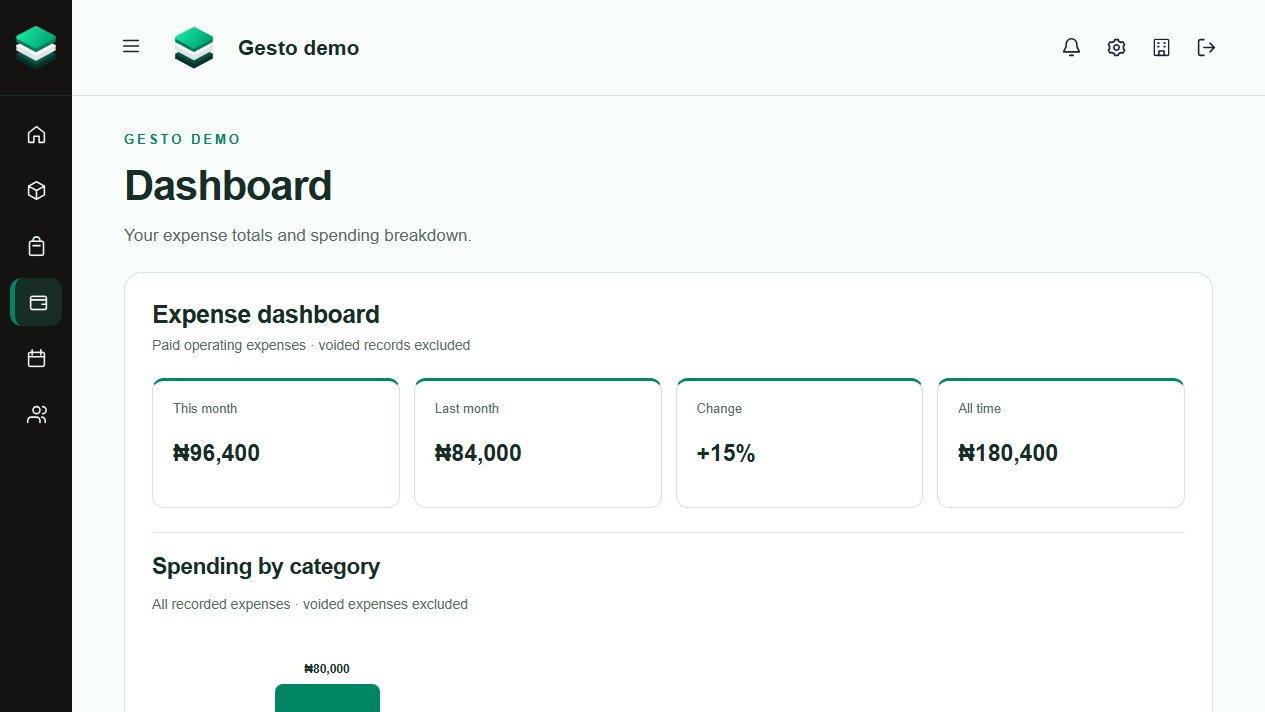
See totals and spending by category.
Gesto interface previews · sample data · select a preview to view it in full
01 / BUILT FOR THE WORK
Choose what fits your business: products, services, bookings, memberships or projects. Keep expenses and team access close at hand.
Organise products, receive deliveries and spot low stock. Every sale and return keeps quantities up to date.
Build a sale, record how you were paid and handle returns in the same place.
Record costs, filter history and use a category dashboard to see where the money goes.
Invite staff, keep workspaces separate and choose which business sections each person can access.
MORE WAYS TO WORK
Add the tools your business needs as it grows.
Build a service catalogue, schedule customer visits, and keep invoices and recorded payments together.
Offer day passes or recurring plans, track member subscriptions, renewals and payments.
Manage listings, contracts, project progress, milestones and related payments.
02 / MAKE YOUR MARK
A business platform should feel like it belongs to you. Add your logo, choose your colours and preview your look before sharing it with your team.
Build your own workspace03 / OPEN FOR BUSINESS
Start with the tools that fit your business today, then add more as your operation grows.
Sign up and give your company a home in Gesto.
Pick your business features, add your branding and start a product or service catalogue.
Record sales, bookings, memberships or project progress, then invite your team.
Gesto supports shops, service providers, membership businesses and teams managing listings or projects.
Inventory, sales, services, bookings, customer records, invoices, expenses, plans, subscriptions, listings, contracts, projects, team access and branding are available now.
Yes. Choose products, services, subscriptions or projects when creating your workspace, and change your selection later.
Yes. Workspace owners can upload a logo and choose primary and sidebar colours, with a preview before saving.
Yes. Owners can choose the business sections each team member can use from Team settings.
Gesto records cash and transfer payments. Businesses with supported Moniepoint POS terminals can connect them in Sales settings for confirmed transfer checkout after Moniepoint enables ERP integration.
Yes. You can create separate company workspaces and switch between the ones you belong to. Each has its own records and branding.
Check your inbox and Spam folder. Mark Gesto emails as not spam so future messages are easier to find.
WHAT’S NEW
Related pages now sit together in a compact sidebar that is easier to use on desktop and mobile.
Read updateHome brings key figures, recent activity and items needing attention into one view.
Read updateRecord what you sell, how you were paid and product returns in one sales flow.
Read updateAlready have a workspace? Sign in